
How to use
- First, when uploading a plan, ensure “plan sheets” are labelled as such
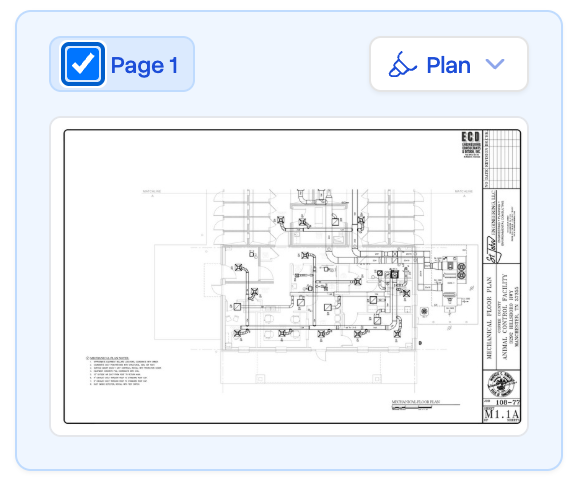
- After upload, we’ll scan your plan sheet for dimensions.
- Next, click the “Draw” tool in the top toolbar (or hit the
2Key) - Find a dimension in your plan, and hold the
Qkey while hovering your cursor near it - A collection of suggestions will appear, with the detected dimensions marked by a green sparkle.
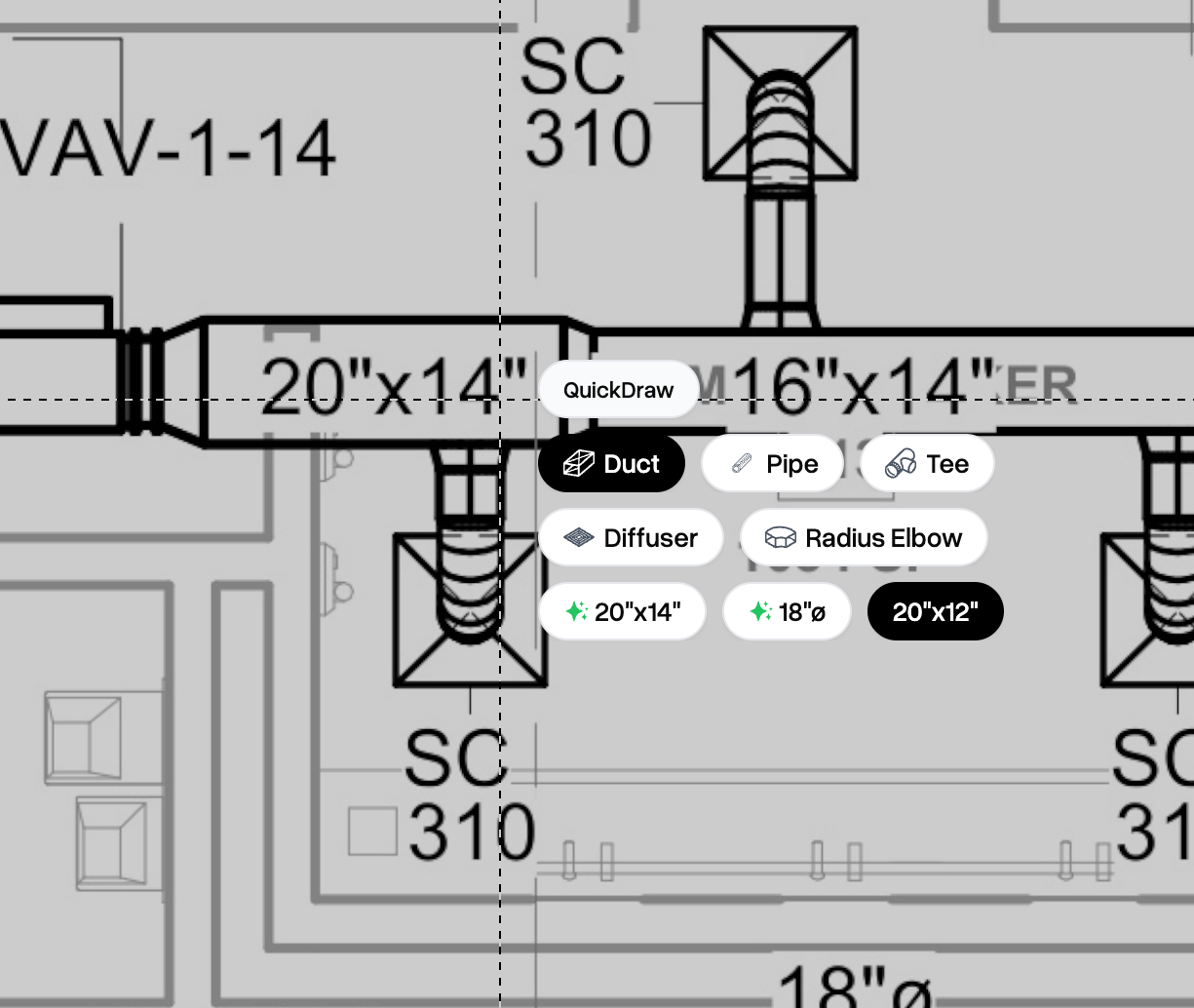
- Click your dimension to have it set automatically, without needing to type. Then continue takeoff!
For best results, ensure your PDF fonts are legible, and prefer PDFs in vector format vs scanned images.