Introduction
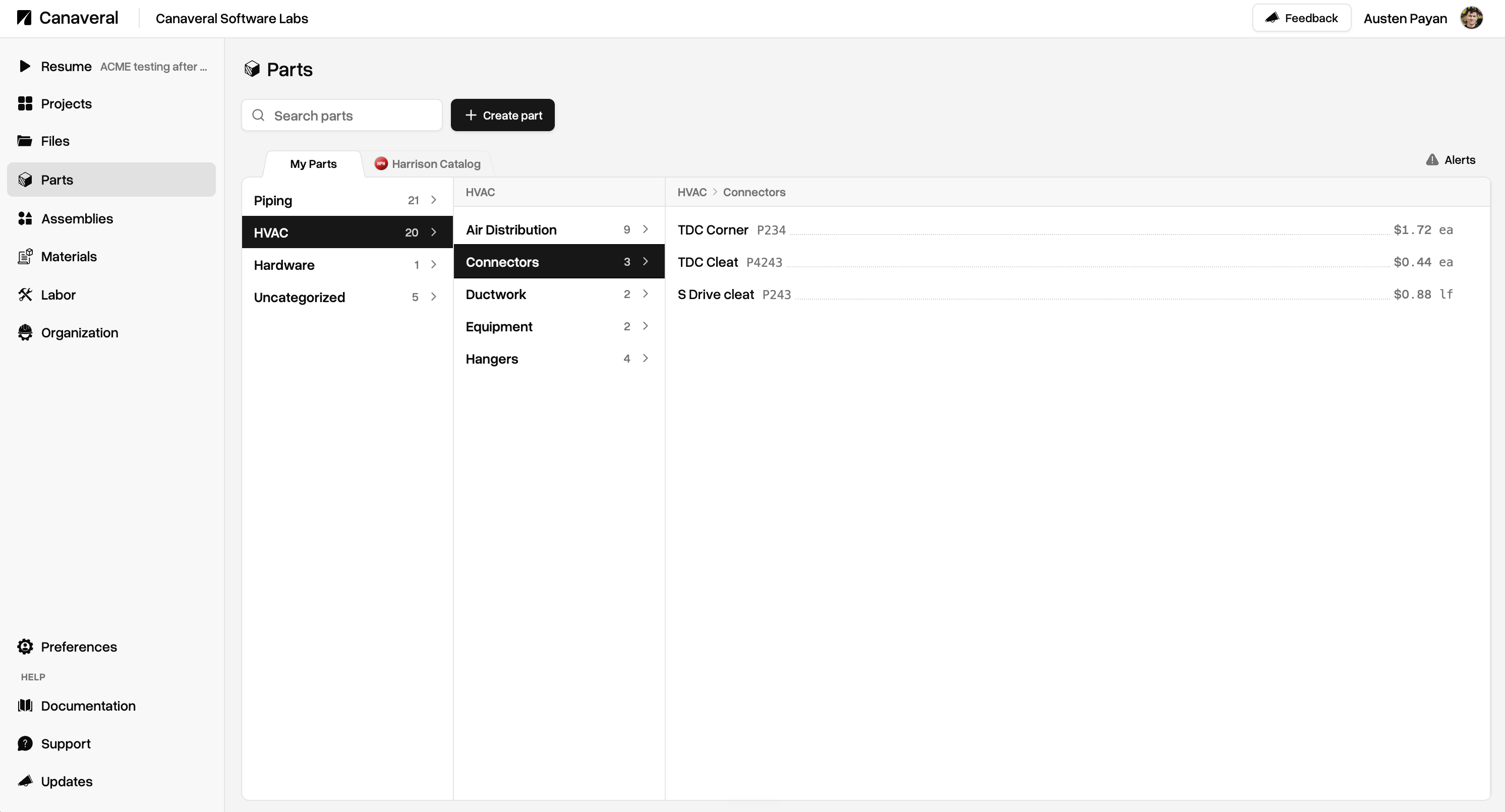
Your organization has its own customizable Parts database in Canaveral where you can define price, price unit (by foot, by pound, etc), part code, and optional resolution metadata. Parts can be simple Assembly Components, which are simple label-to-price entries in the database, or they can be Resolvers, in which they will contain metadata resolution rules that will cause that part to resolve during takeoff report generation if metadata matches a takeoff object.Resolvers
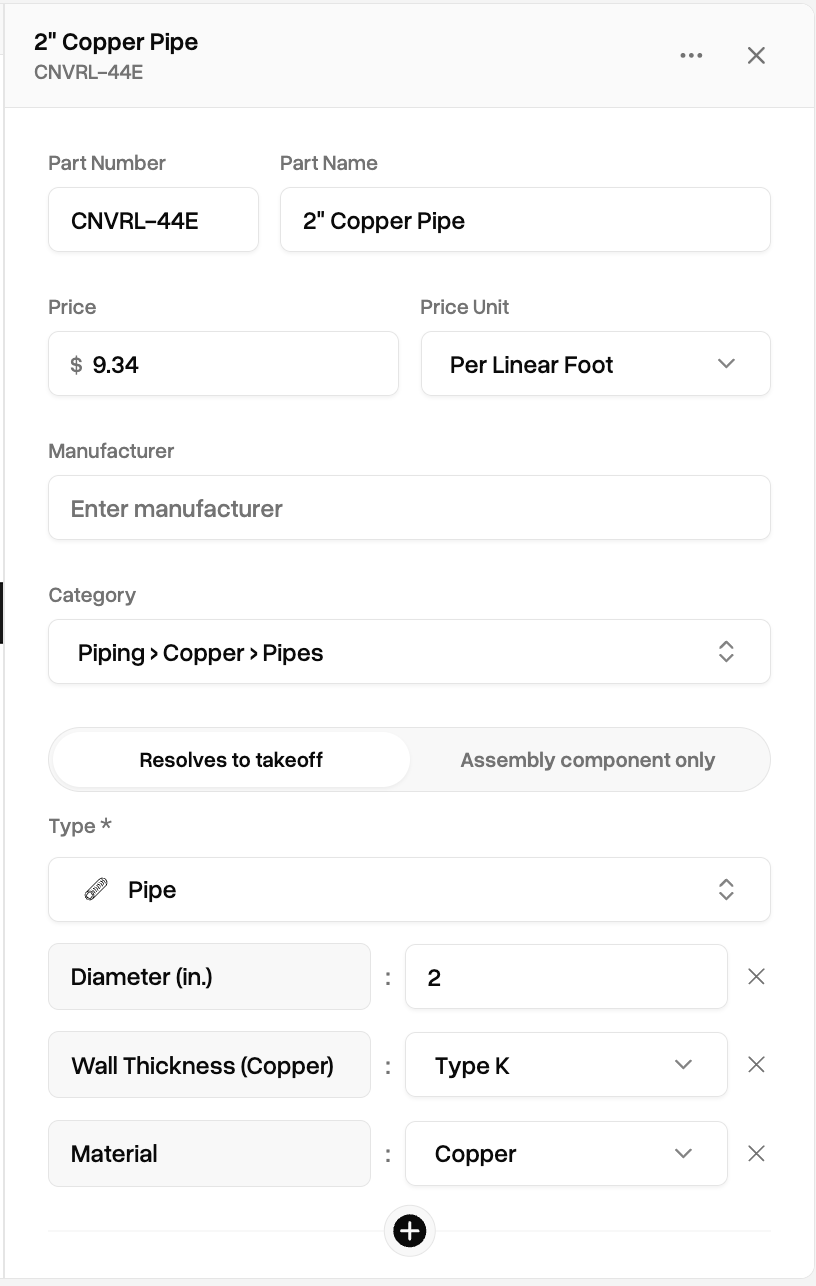
When creating a Part, choosing Resolves to takeoff in the resolution toggle in the form causes the Part to become a Resolver. Resolvers will carry with them a series of metadata matching definitions. These definitions are used during takeoff report time to find matching takeoff objects and apply pricing to those objects.
Resolution definitions can be as broad or specific as you need. Canaveral matches takeoff objects to parts with descending specificity.This means you can create higher-level parts that contain simpler matching definitions, like a general 2” pipe part that contains a fallback price, alongside more specific parts that target more specific metadata, like a specific 2” Copper type K pipe. An visual of what this example part would look like can be seen at the right.Canaveral’s resolution system will match these more specific definitions first, and fall back to less specific definitions as long as there a single metadata match.